
“I'm new to this.”
Students, graduates, NYSC members and career switchers: start with a path that meets you where you are.
Find your path ↗For learners in Nigeria, across Africa and in the diaspora. Build practical digital skills, create work you can show, and grow with guidance that meets you where you are.
Tech With Achievers brings practical technology learning, mentorship and career preparation to learners and teams across borders. From your first digital skill to deeper specialisation, turn knowledge into work you can show.
Students, graduates, NYSC members and career switchers: start with a path that meets you where you are.
Find your path ↗Deepen your technical skills, strengthen your digital work, or add AI and automation to what you already do.
Explore learning areas ↗Bring practical digital learning to your business, school, institution or community through tailored training.
Build your training brief ↗Explore broad career paths and focused specialisations. Discover the skills, possible practice projects and directions within each area—then choose public group learning or private personalised training.
Browse all 17 programme guides →
Too many possibilities? That's a good place to start.
Answer one question to discover a learning direction.
Explore TWA's internship learning combinations:
Web & Software Development + AI Automation
Social Media Management + AI Storytelling
Virtual Assistance + AI Automation
Data Analysis + AI Automation
Technology makes more sense when you can use it. Our approach connects clear explanations with guided practice, projects, feedback and the confidence to keep learning.
Explore how a simple website is deployed, how access is managed and why keeping a record of your setup matters.
A child's curiosity is a wonderful place to start. Our children’s learning section brings technology to life through short adventures, creative challenges and guided projects.
Children explore an idea, try it out and make something of their own—with guidance along the way. Learning can begin with colours and shapes, then grow into stories, games, code and digital creations.
Explore learning for my child ↗How does colour change the feeling of a poster?
Explore colours, shapes, layouts and visual storytelling through guided creative activities.
Become a Design Detective, experiment in a Colour Lab or rescue a poster that is hard to read.
Discover coding logic, Scratch, simple games and first websites. More experienced learners can discuss progression into Python and other projects.
Create a character that responds to instructions, a simple interactive game or a first personal webpage.
Explore digital storytelling, age-appropriate AI activities and sensible habits for using technology with guidance.
Plan a short visual story, explain how it was made and practise what information should stay private online.
Tell us your child's age range, interests, experience and preferred learning format. We’ll discuss suitable activities, tutor guidance, parent involvement, timing and fees. Projects and progression depend on the agreed learning plan.
Please use the adult's contact details for enquiries. Avoid sharing a child's full name, school or other sensitive information in the form.
A six-month blended programme for recent secondary-school leavers. Explore technology, practise digital skills and build confidence for education, work and life.
Need a business solution rather than a course? TWA provides technology implementation and digital business support. Start with the problem you want to solve; we’ll discuss an appropriate scope and quotation.
These examples help you frame a brief. They are not client results or promises of a particular outcome. Scope, fees, delivery arrangements and availability are confirmed in conversation.
Discuss a business need →Looking to train your team? →The challenge
Customers struggle to find your website or understand how to contact your business online.
Discuss a clearer website and search engine optimisation (SEO) work to improve organic discoverability, separate from paid advertising.
Agree priorities after reviewing the website and access needed. Search rankings, traffic, AI-search placement and sales outcomes cannot be guaranteed.
The challenge
Repeated data entry and disconnected tools slow down everyday work.
Explore software or automation that connects the task, the people and the checks a person still needs to make.
Map the process, access requirements and human review points before agreeing the work.
The challenge
Customer questions get repeated, chats become difficult to track and follow-ups are missed.
Discuss artificial intelligence (AI) assisted replies, WhatsApp enquiry workflows and a clear handover to your team.
Agree what information may be used, which questions need a person and how responses will be checked.
The challenge
Your social channels lack a consistent message, and campaigns do not have clear objectives.
Discuss day-to-day content management and paid advertising around a defined audience and business goal.
Platforms, advertising spend, approvals and reporting are agreed separately from SEO work. No sales or audience-growth result is promised.
The challenge
Customers need a clearer explanation of your products, services or business story.
Explore video and storytelling briefs, including suitable uses of AI-assisted production.
Agree the message, source material, permissions and review process before production.
The challenge
Inconsistent materials and unclear product information make your business harder to recognise and understand.
Discuss a coherent way to present your brand and products across the materials customers see.
Confirm the materials, products and usage requirements in the brief.
The challenge
Business records sit in separate spreadsheets, making it difficult to see what is actually happening.
Turn a reporting need into a brief for useful summaries, dashboards and better-informed business discussions.
Agree data access, quality checks and reporting requirements before work begins. Avoid sharing sensitive records in an enquiry.
The challenge
Technology problems, unclear access arrangements or security concerns disrupt your team’s work.
Start with a scope assessment for IT, cloud or security needs so TWA can confirm suitable work before committing.
Specialist infrastructure, security testing or complex migration work requires an assessment of scope, authorisation and delivery capability before any commitment.
The challenge
Your team needs practical skills and support to adopt new digital ways of working.
Discuss staff learning and adoption priorities around the tools and tasks relevant to your team.
This is the corporate training pathway. Software or infrastructure implementation should be scoped through the relevant service category.
Build the digital capability your organisation needs. Explore training for your staff, students, members or community. Start with a clear goal, and discuss a learning plan shaped around the people who need it.
Discuss a training programme ↗A few examples to help you picture what to ask for.
Small businesses, startups, established companies and their departments.
An admin team learning AI tools for everyday work; a marketing team improving content creation; or staff learning to recognise phishing emails.
School leaders, teachers, pupils and teenagers.
A school exploring a coding club, internet safety sessions or digital productivity training for teachers.
Departments, student associations, campus tech clubs and learning communities.
A student community organising a cloud workshop, a data analysis bootcamp or a practical web development programme.
Ministries, agencies, local government teams and public institutions.
A department helping staff use spreadsheets, protect work information or explore AI-assisted administrative tasks.
Nonprofits, youth organisations and groups supporting digital inclusion.
A foundation sponsoring digital skills for young people, or a community group arranging introductory computer training.
Professional associations, graduate groups and NYSC groups exploring development opportunities.
A graduate network planning employability workshops, or an NYSC group exploring digital career paths and portfolio projects.
Tell us who will be learning, their current skill level, your preferred format and what you want them to do better. We'll discuss suitable content, timing and costs with you.
These are examples of training needs to discuss with TWA. Programme scope, delivery format and availability are agreed for each group.
“Hands-on labs and demonstrations were excellent”
“an amazing experience learning cloud computing with TWA.”
“breaking everything down step by step”
Selected excerpts from public Google Maps reviews. Read the full reviews and latest ratings on Google.
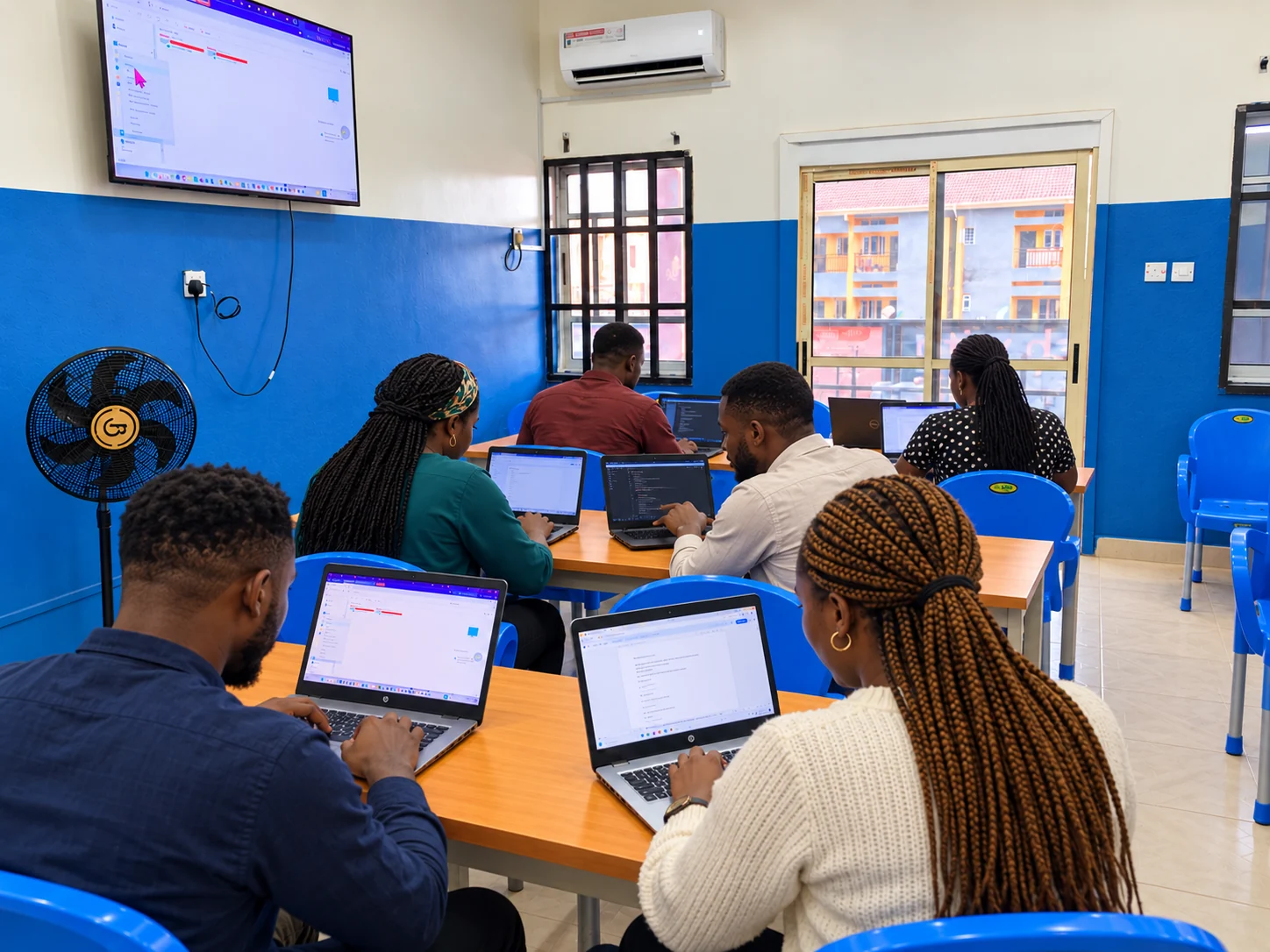
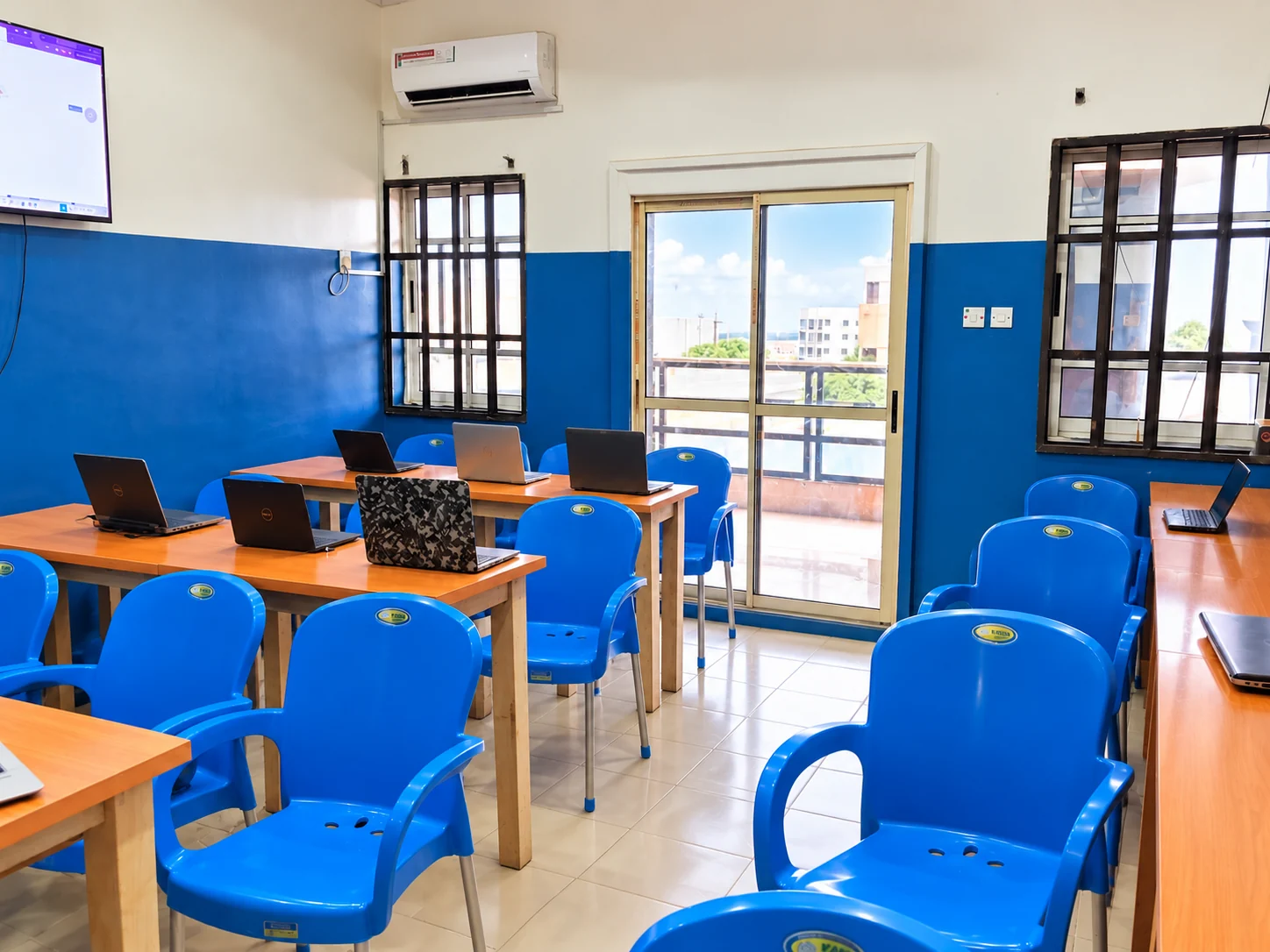
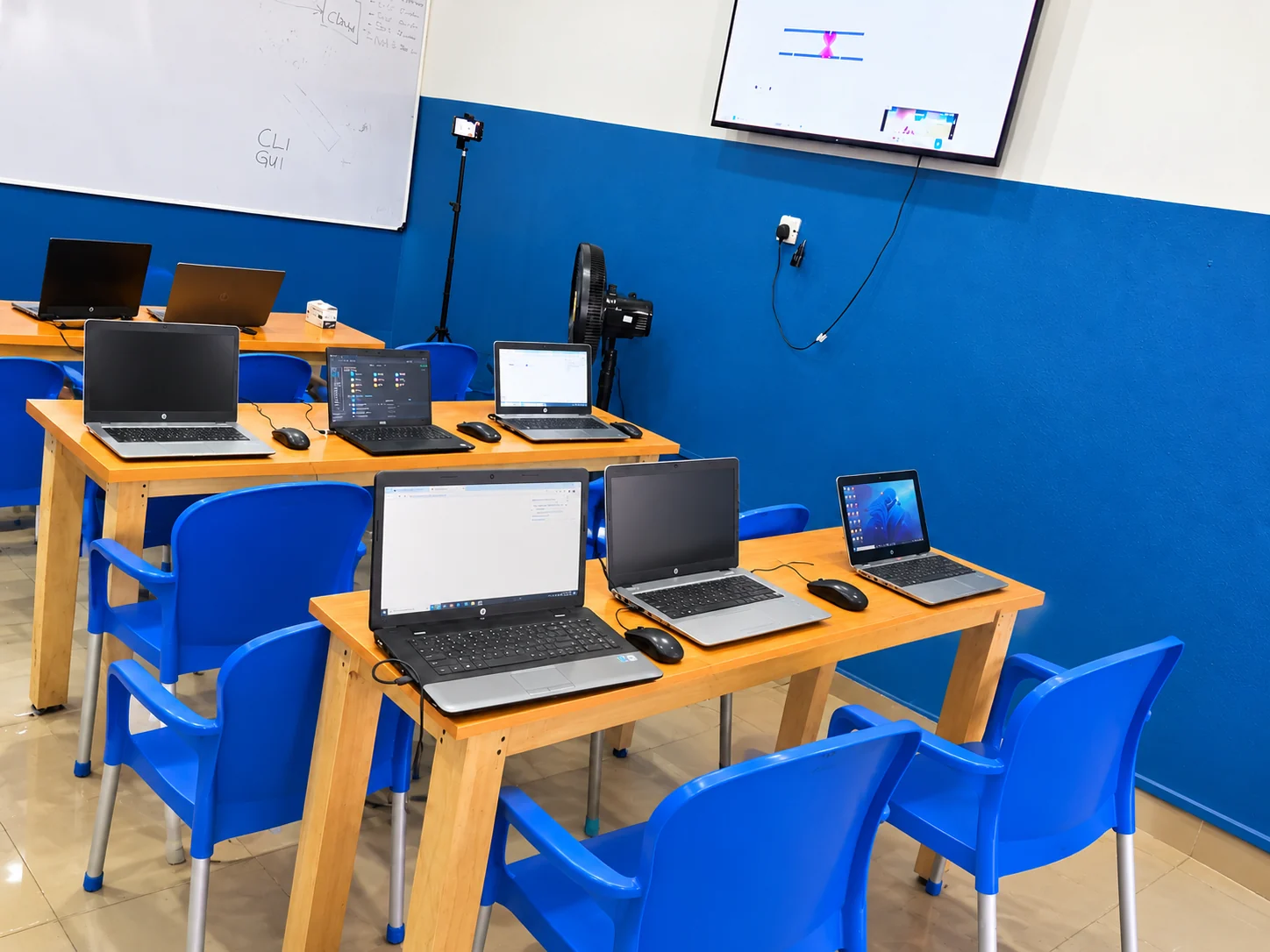
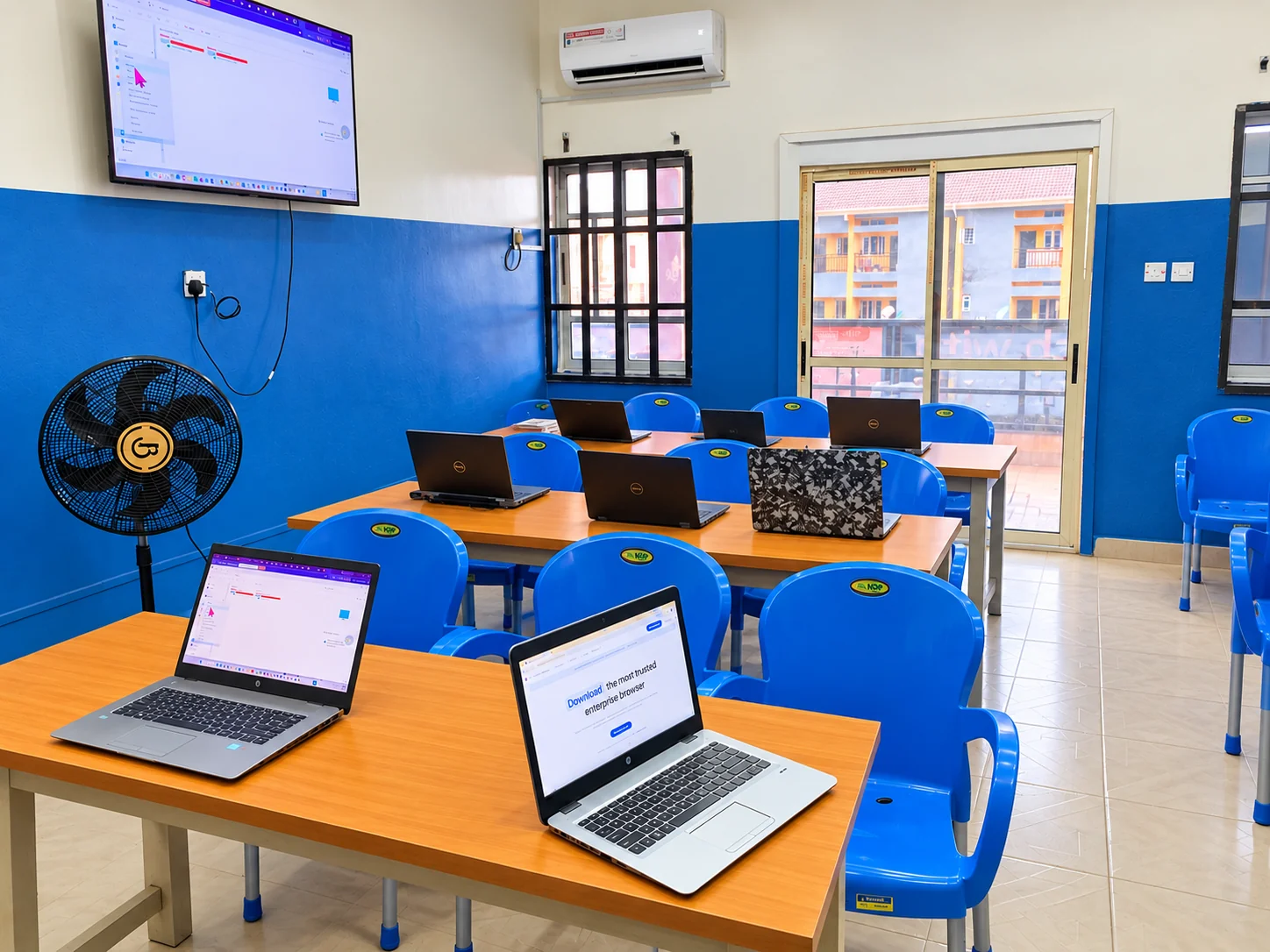
Explore all Google reviews ↗Step inside our centre. Explore the classroom, the workspaces and the setting for hands-on learning at Tech With Achievers.
Classroom images have been enhanced. The scene with people is illustrative and does not identify enrolled learners.
Our live webinar format creates space for technology conversations, practical insights and questions from curious learners.
Ask about upcoming sessions ↗From cybersecurity habits to AI tools and cloud concepts: explore technology through clear explanations and relatable examples.
Explore the practice space ↗Learning takes persistence. Mentorship, peer learning and career conversations help you keep taking the next step.
Connect with TWA ↗Still have a question? Talk to a real person ↗
Public training brings learners together in a structured group programme with a shared schedule. Private training is personalised one-on-one learning with a dedicated tutor or mentor. Talk to TWA about your preferred course, goals, schedule and current availability.
Yes, there are learning directions for beginners. Tell us your experience and goals so we can recommend a suitable starting point. Some advanced technical areas require prior knowledge.
TWA supports physical learning at our Enugu centre and online learning for people in Nigeria, across Africa and in the diaspora. Public group training and private personalised training are available options to discuss. The format, curriculum and schedule depend on the selected programme and learning plan. If you live abroad, tell us your location and time zone so we can discuss a suitable schedule. Our office is at No. 7 Nkpokiti Road, Ogui, Enugu, opposite Flamingo Mall.
Fees, payment arrangements and schedules depend on the programme and current cohort. Contact the team for the latest details before applying.
Our focus includes practical skills, project work, mentorship and career preparation. Employment depends on your skills, experience, effort and available opportunities; training is not a job guarantee.
No. TWA also serves career switchers, working professionals, Africans in the diaspora, teams and institutions. Let us know whether you want to start, specialise or bring training to your organisation.
Choose a learning area and send an enquiry. The team can share current availability, requirements, fees and next steps. You do not need a student account or online payment to make an enquiry here.
Tell us a little about where you are and what you'd like to do. We'll help you understand the next step.
Keep learning. Keep in touch.
Follow our official channels for technology insights, learning stories and programme updates.
Career conversations & learning updates
Tech ideas & quick updates
Stories, creativity & academy life
Community news & programme updates
Short videos & tech explained
Videos, learning & deeper exploration